Screen and touch, depending on construction
We check whether glass, panel and touch are separable: parts depend on construction, not just screen size.
Request assistanceA tablet used for reading, studying or work needs responsive touch and suitable battery life. Glass, panel and touch are not always separately replaceable: before discussing replacement, we check how your version is built. If it will not start or charge, we distinguish battery, port and power-circuit faults. Screen size alone does not tell us how repairable the device is.
Broken glass or unresponsive touch areas · Reduced battery life or shutdowns · Intermittent charging or no power
We check whether glass, panel and touch are separable: parts depend on construction, not just screen size.
Request assistanceReduced battery life and shutdowns require battery and power checks.
Request assistanceFor intermittent charging we distinguish the port, connections and circuit before choosing the work.
Request assistanceWe check affected controls and audio functions to find the cause of failure.
Request assistanceIf it will not start, we measure power and connections to assess a board fault.
Request assistance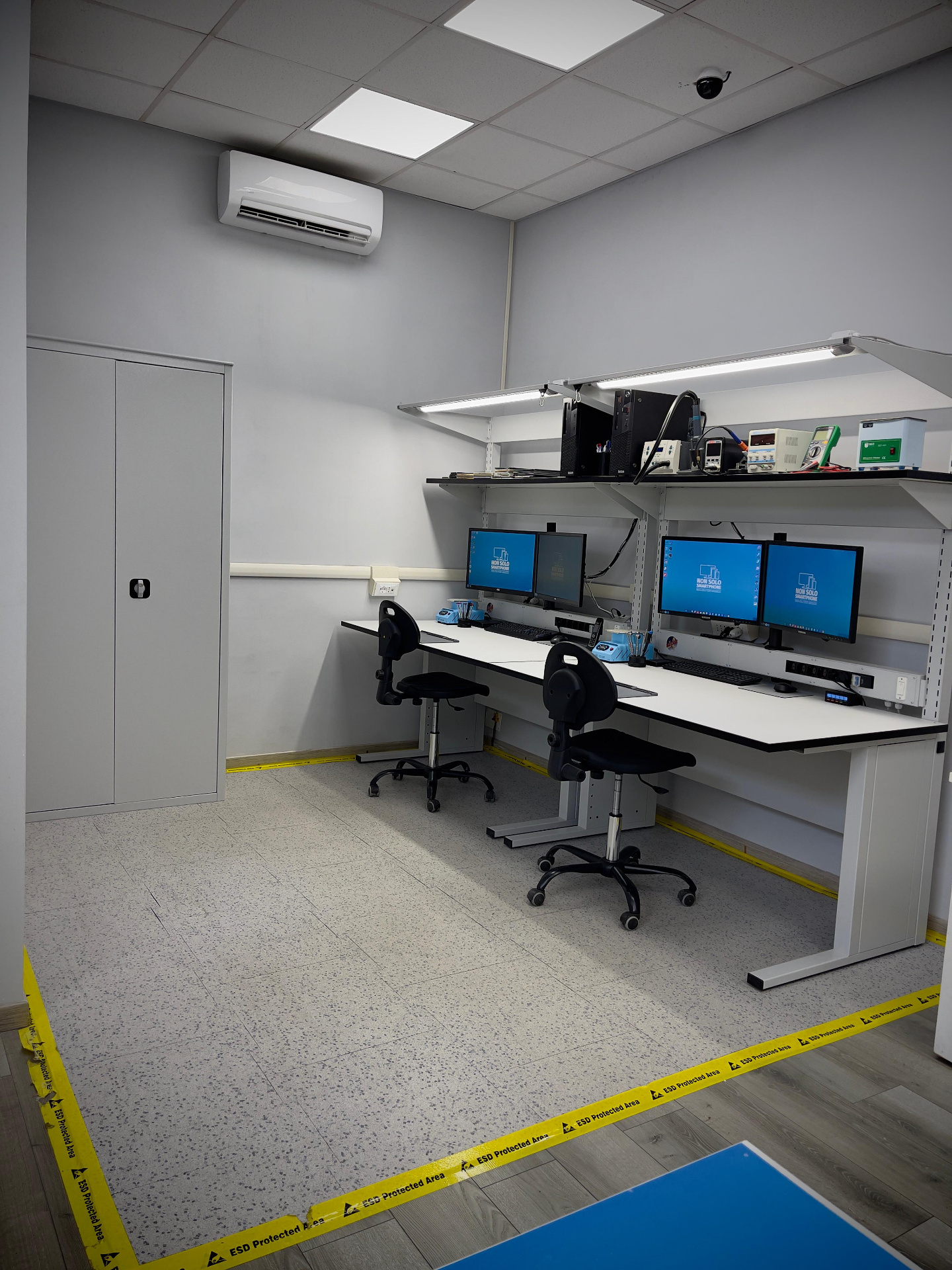
We check screen and touch, battery, connections and power. Model and version determine what can be repaired and which parts to source, rather than assuming every tablet has the same panel.
Tell us the exact version and what is not working. Available parts and proposed work are explained in the quote. Flag important data: recovery and device repair are different requests.
Experience comes from working on faults, and continues through study and training. Measurements, component access and checking the work are part of a repair, not steps to skip.

Certified Center
Italian Technicians Association
Training and technical expertise support our work on devices and circuits.

An environment dedicated to protecting components from electrostatic discharge.

12–24 month warranty on parts and labour, according to the repair and terms stated in the quote.
The model, version and how the fault behaves are the starting point.
We check screen and touch, battery, connections and power. Model and version determine what can be repaired and which parts to source, rather than assuming every tablet has the same panel.
After diagnosis you receive a quote describing the proposed work. We proceed only with your authorisation; if further faults emerge during the job we contact you before continuing.
We check the functions affected by the work: touch response, picture, charging and controls. At handover we explain the work performed and the checks carried out.
Choose your device’s brand
It depends on screen construction and version. We check which elements are separable and explain the proposed part.
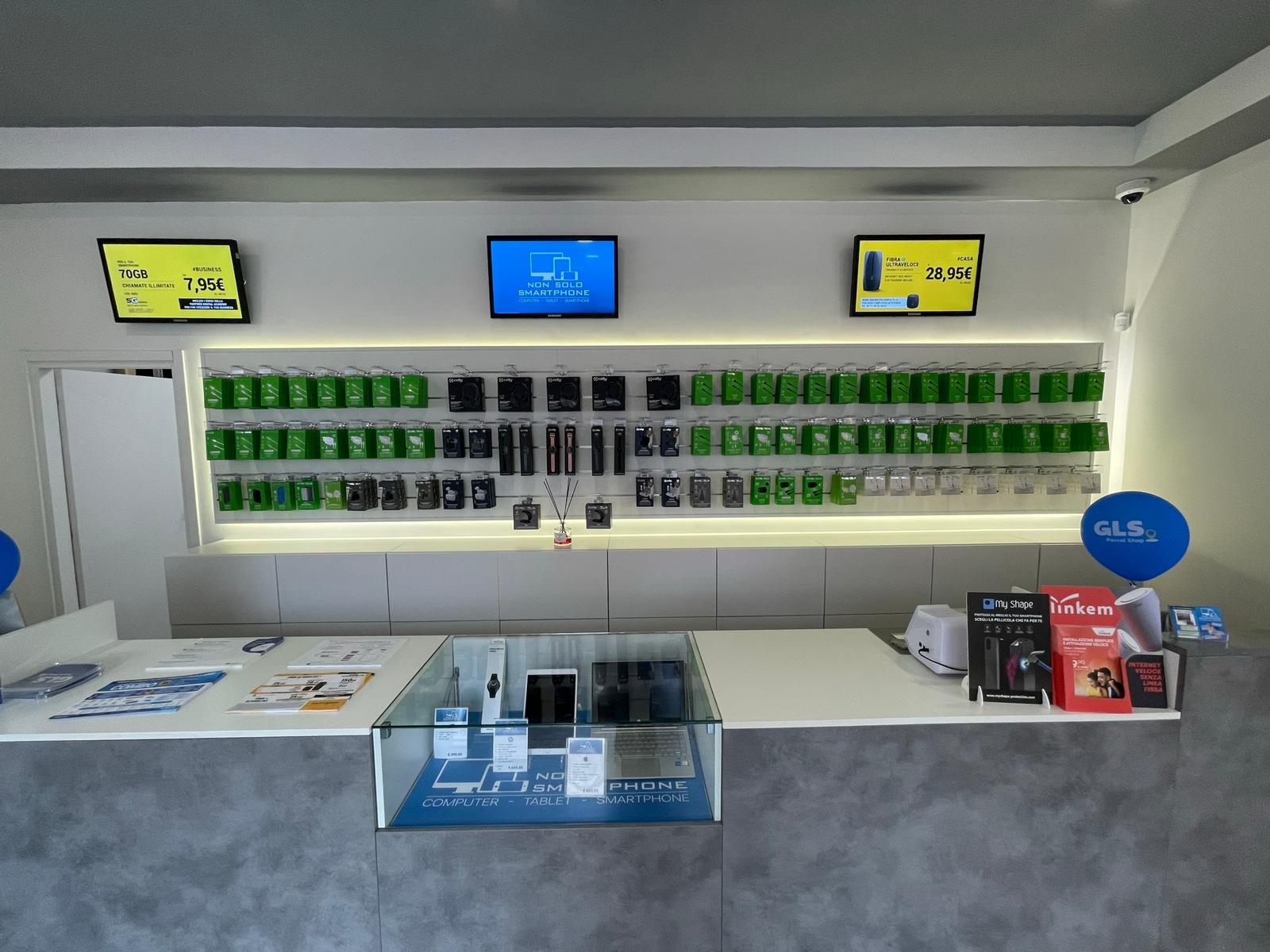
Tell us the model and what is not working. In Fiumicino you can speak directly with the people handling your repair.
+39 06 6421 1622Via Giorgio Giorgis 124, FiumicinoRequest assistance: Tablet