Display and hinges
Panel, display cable, hinges and mounts need joint inspection: replacing a screen does not fix a stressed casing.
Request assistanceA stiff laptop hinge can affect its casing and mounts; intermittent charging calls for separating charger, connector and circuit faults. Laptops and MacBooks do not all open or upgrade in the same way. We assess your model’s construction, cooling and accessible components before proposing repair or an upgrade: what is possible on one configuration may not be possible on another.
Cracked, black or striped screen · Stiff or broken hinge, casing opening up · Unresponsive keys or liquid on the keyboard · Won't charge or dies without the charger · Noisy fan, overheating, slowdowns · Full or slow disk, data to recover
Panel, display cable, hinges and mounts need joint inspection: replacing a screen does not fix a stressed casing.
Request assistanceFailed keys or liquid exposure require checking the keyboard and connections for that laptop’s construction.
Request assistanceFans, dust and cooling help explain noise and heat: we check cooling under load.
Request assistanceIf the laptop shuts down when unplugged, we check the battery and power management.
Request assistanceBring the charger too: separating charger, socket and circuit faults avoids trial-and-error replacement.
Request assistanceWe assess compatibility and access. Soldered RAM and SSDs cannot be upgraded like removable parts.
Request assistanceNo power calls for measurements on power delivery and the board before deciding what to repair.
Request assistanceFlag important files before storage work: recovery needs an assessment of the drive.
Request assistance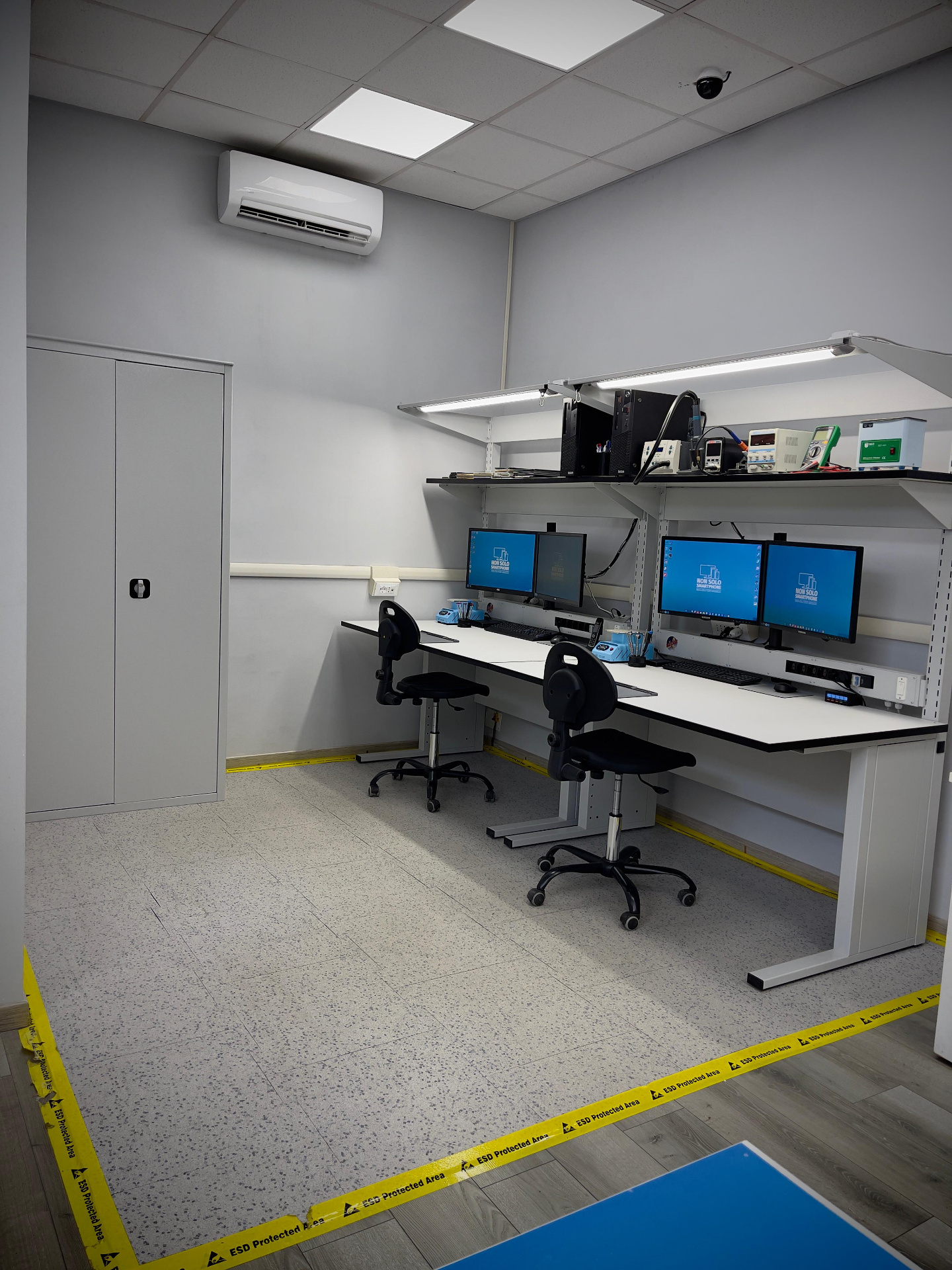
We check panel and display cable, hinges and casing, keyboard, battery, power connector and circuit, fans and cooling. For high temperatures we assess a thermal clean.
Bring the charger too: it's needed to test charging. On some MacBooks RAM and SSD are not replaceable; we tell you during diagnosis. Flag important data before any disk work.
Experience comes from working on faults, and continues through study and training. Measurements, component access and checking the work are part of a repair, not steps to skip.

Certified Center
Italian Technicians Association
Training and technical expertise support our work on devices and circuits.

An environment dedicated to protecting components from electrostatic discharge.
12–24 month warranty on parts and labour, according to the repair and terms stated in the quote.
The model, version and how the fault behaves are the starting point.
We check panel and display cable, hinges and casing, keyboard, battery, power connector and circuit, fans and cooling. For high temperatures we assess a thermal clean.
After diagnosis you receive a quote describing the proposed work. We proceed only with your authorisation; if further faults emerge during the job we contact you before continuing.
Before handing it back we check opening and closing, screen, every key, charging with and without battery, temperatures under load and system boot.
Choose your device’s brand
We check fans and cooling; a thermal clean often lowers temperatures and noise. We confirm during diagnosis.
Yes: screen, keyboard, battery, power and motherboard, depending on model and parts availability.
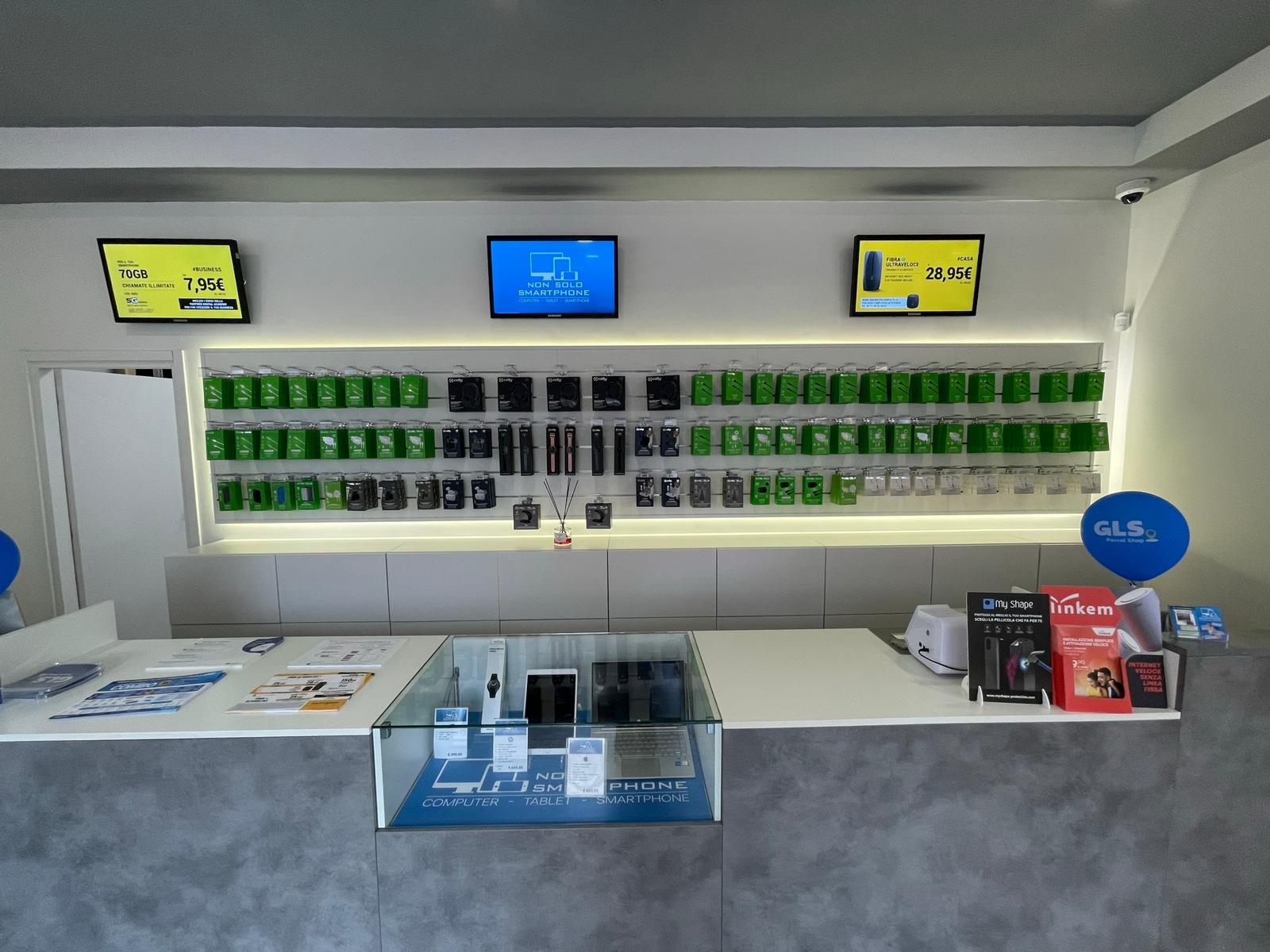
Tell us the model and what is not working. In Fiumicino you can speak directly with the people handling your repair.
+39 06 6421 1622Via Giorgio Giorgis 124, FiumicinoRequest assistance: Notebook